Process images locally
The tool reads images and writes artifacts in your configured workspace. It processes each image locally.
Local files. Agent tools. 41 algorithms.
Give your agent local image tools. Choose from 41 dithering algorithms and 256 palettes. Save recipes to reproduce your settings.
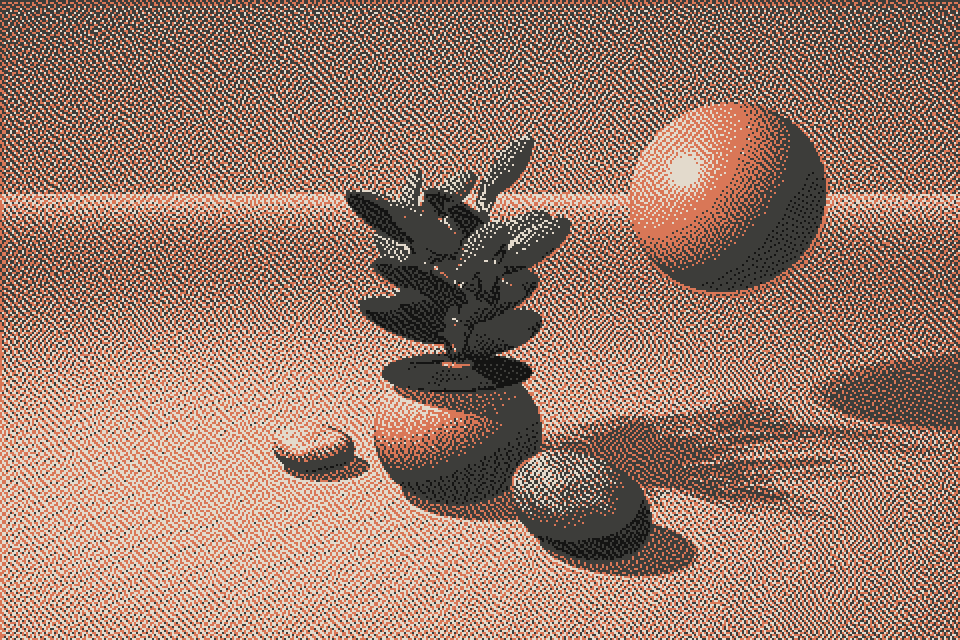
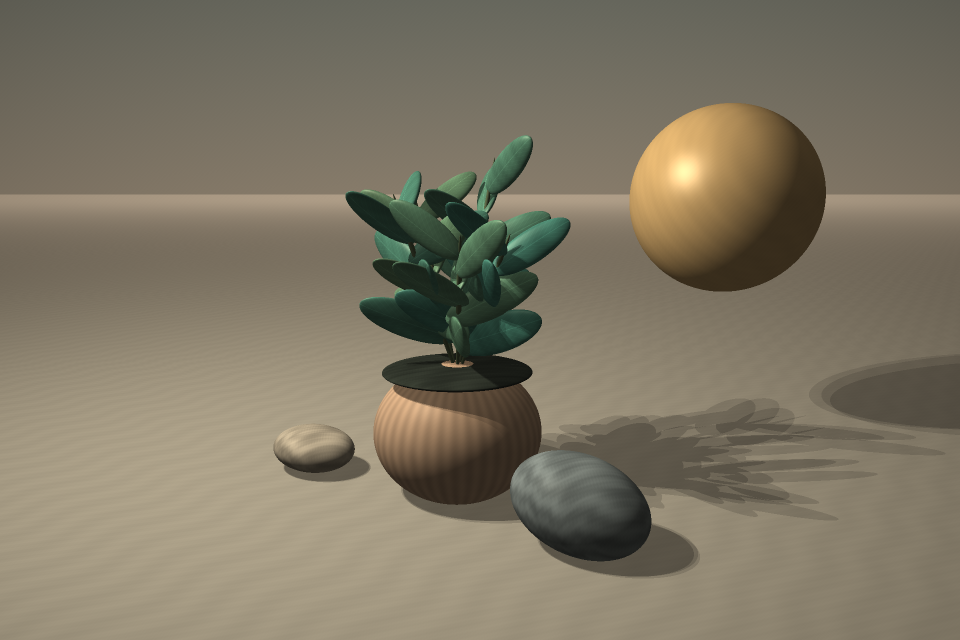 OriginalAtkinson
Supported files
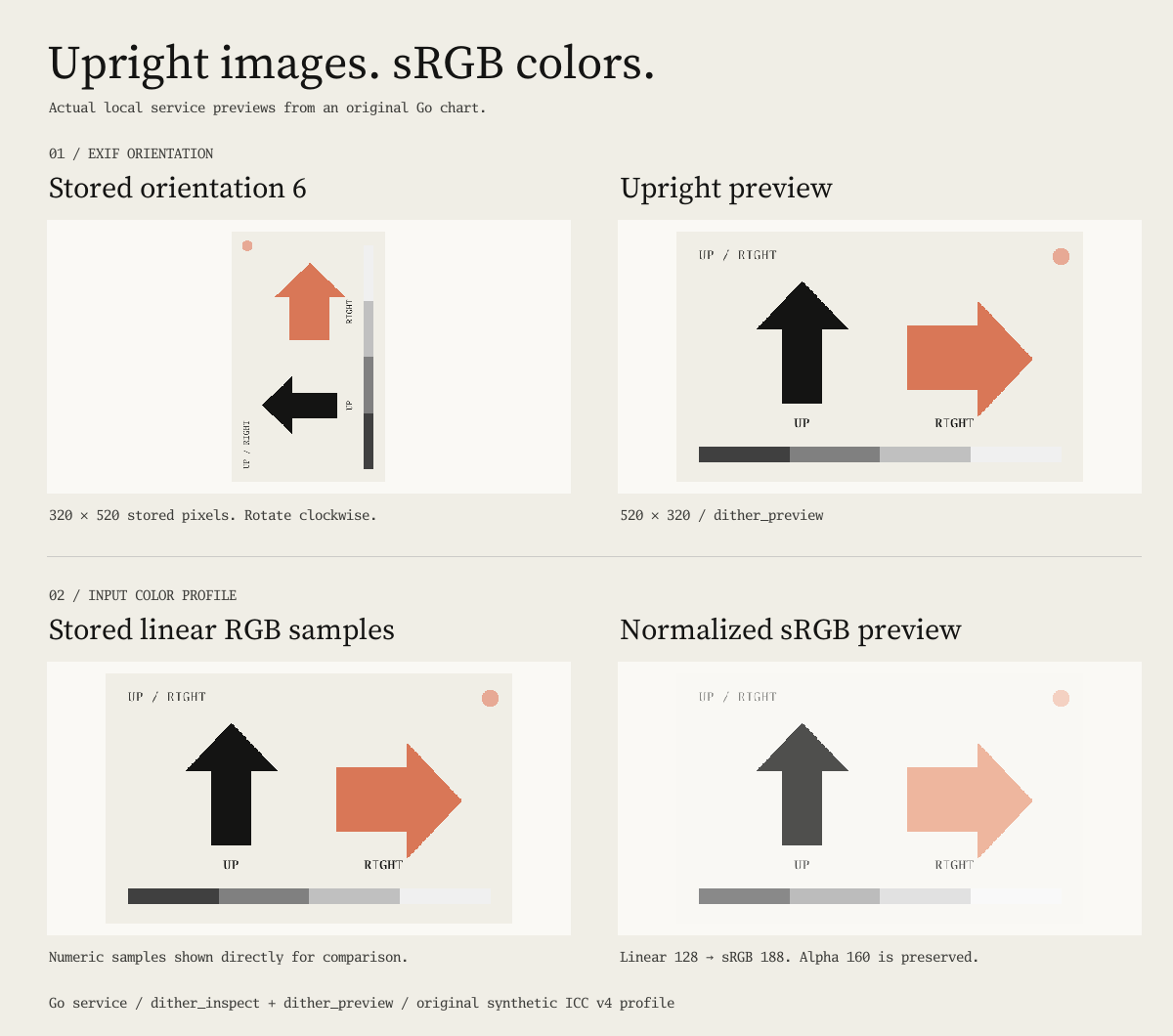
Still-image tools apply orientation and supported color profiles before dithering. Local FFmpeg handles video containers and codecs.
| Workflow | Input | Output |
|---|---|---|
| Still images | PNG, JPEG, GIF, WebP, BMP, and TIFF | PNG, JPEG, GIF, SVG, PBM, and ASCII |
| Generated animation | One supported still image | Animated GIF or a PNG sprite sheet |
| GIF animation | Animated GIF | Animated GIF or a PNG sprite sheet |
| Video | MP4, MOV, WebM, Matroska, and AVI | MP4 (H.264), WebM (VP9), GIF, or a PNG sprite sheet |
| Print separation | One supported still image | ZIP with PNG ink plates and a JSON manifest |
JPEG, PNG, WebP, and TIFF inputs can contain EXIF orientation and RGB ICC profiles. BMP V5 inputs also support embedded RGB ICC profiles. The tool applies all eight orientations and converts supported RGB profiles to sRGB. Untagged RGB images use sRGB. Still-image tools use the first GIF frame. To process all GIF frames, use dither_animate with effect: "source". GIF animation defaults to this mode and preserves source timing. Print separation supports at most 16 inks.
For video, start the server with --allow-video. Install local FFmpeg and ffprobe executables. The tool processes short, bounded segments without audio. Available decoders and codecs depend on your FFmpeg build.
01 / Texture studies
Each algorithm creates a different pixel pattern. Compare these outputs from the Go engine.
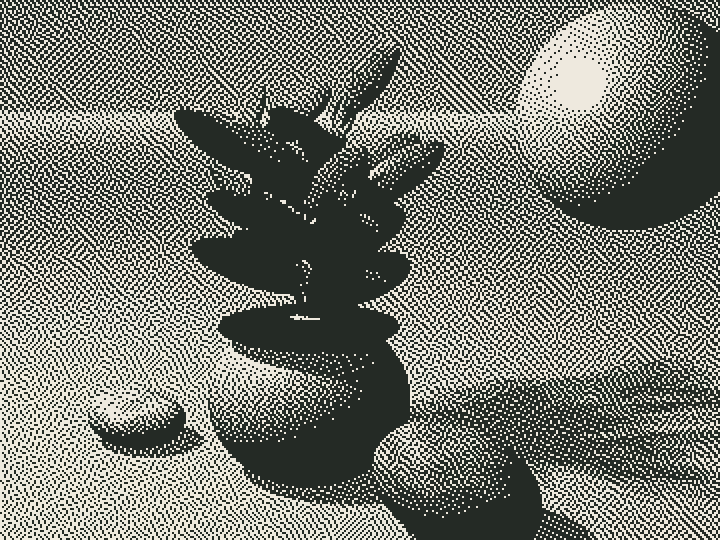
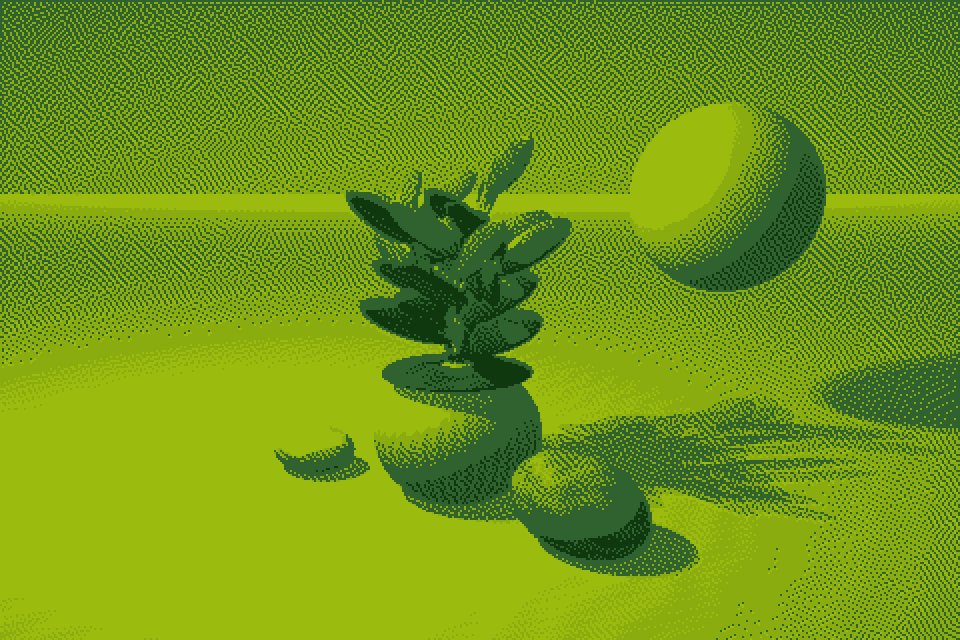
Atkinson / Game Boy
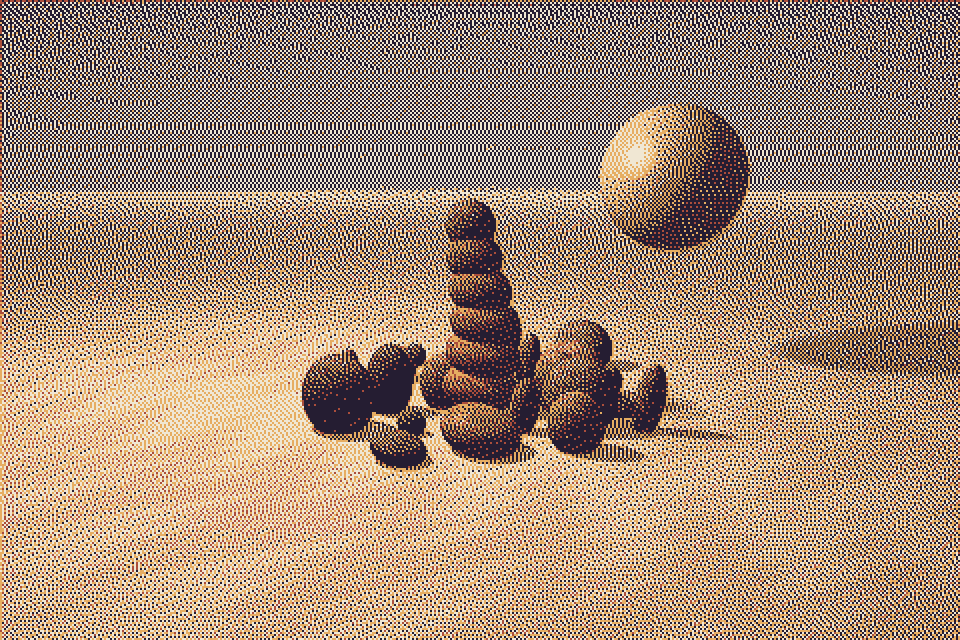
Floyd–Steinberg / Custom palette
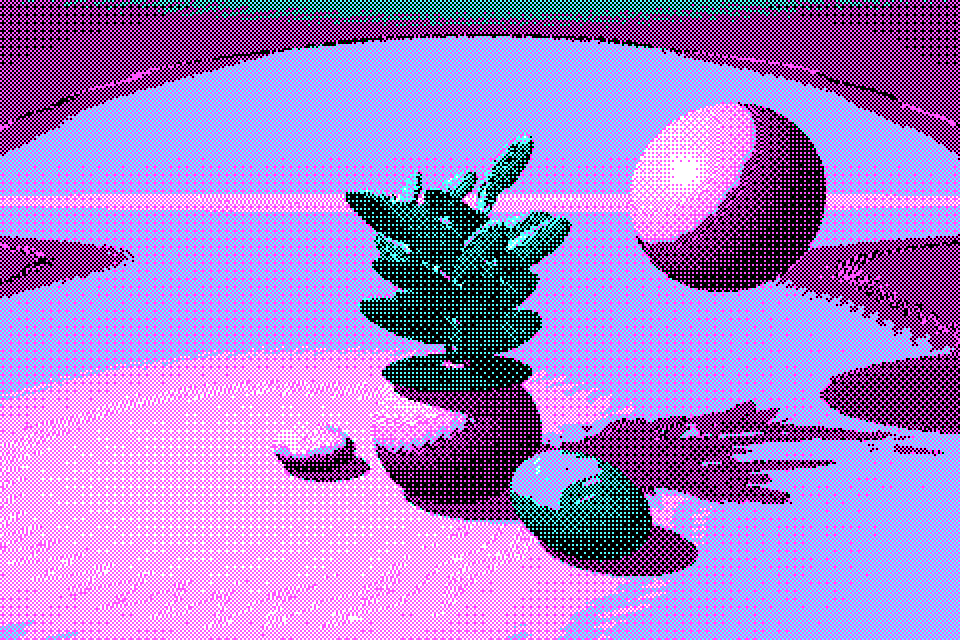
Bayer 4×4 / CGA
A local Go ray tracer generated the original artwork. dither-mcp produced every processed image.
02 / The color library
Explore 256 palettes across 16 categories. Filter by category and color count. Use the palette’s exact colors in your next recipe.
Loading the color library…
Color in context
These Floyd–Steinberg renders use the same source and settings. Choose a study to view its palette.
The Go generator creates these catalog entries, swatches, and image treatments. MCP and the CLI use the same engine.
03 / Agent workflows
Your agent can compare algorithms, render variations, and save a recipe. Tools return structured results. File-producing tools also return local artifact paths.
“Create a botanical print with four warm colors. Compare a few algorithms. Save the recipe I choose.”
# Render the image with Atkinson and Game Boy colors.
dither-mcp render \
  --root . \
  --input moon-garden.png \
  --output garden.png \
  --algorithm atkinson \
  --palette gameboy \
  --width 960 --pixel-scale 2

# Save the settings in a versioned recipe.
dither-mcp call --root . \
  dither_recipe_save '{"output":"garden.recipe.json",
    "recipe":{"version":1,"palette":"gameboy",
      "options":{"algorithm":"atkinson",
"pixel_scale":2}}}'The tool reads images and writes artifacts in your configured workspace. It processes each image locally.
A recipe combines an algorithm, palette, mask, adjustments, and retro effects. Each operation adds its animation or export settings.
OpenSpec defines behavior. Quint models input normalization, quantization, artifact publication, and palette discovery. Go tests check the implementation.
04 / Animation
The animation tool generates loops from still images. It also processes all frames of a source GIF. Both workflows export GIFs or PNG sprite sheets.
Watch the terminal demos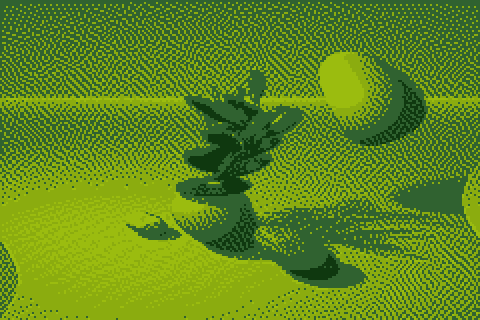
05 / Recorded commands
Charmbracelet VHS recorded these local demos. Each demo runs the binary with the artwork above.
The CLI inspects the local source and creates an Atkinson render.
The CLI creates a contact sheet and exports a looping GIF.
The Go client discovers 13 tools through stdio. It compares treatments, previews an artifact, saves a recipe, and checks its digest.
The CLI filters palettes by category and color count. It searches the 256-palette library and renders an image with Oat and Ink.
06 / Connect your agent
--root to the folder that contains your images and outputs.Build from the source checkout
go build -o bin/dither-mcp ./cmd/dither-mcp
./bin/dither-mcp catalog
MCP client configuration
{
  "mcpServers": {
    "dither": {
      "command": "/absolute/path/bin/dither-mcp",
      "args": ["mcp", "--root", "/path/to/images"]
    }
  }
}
Build with Go 1.27. Video processing also uses a local FFmpeg installation. The server sends images and tool results to your connected MCP client. Get the source and setup guide on GitHub.